Verifying your email address
Before you can use Stayant you need to confirm that the email address you signed up with is yours. It keeps your account secure and makes sure the emails Stayant sends you (booking alerts, password resets, billing notices) reach the right person.
After you sign up
As soon as you create your account, Stayant emails a verification link to the address you entered and shows a Check your inbox screen. You can't open the rest of the app until you verify.
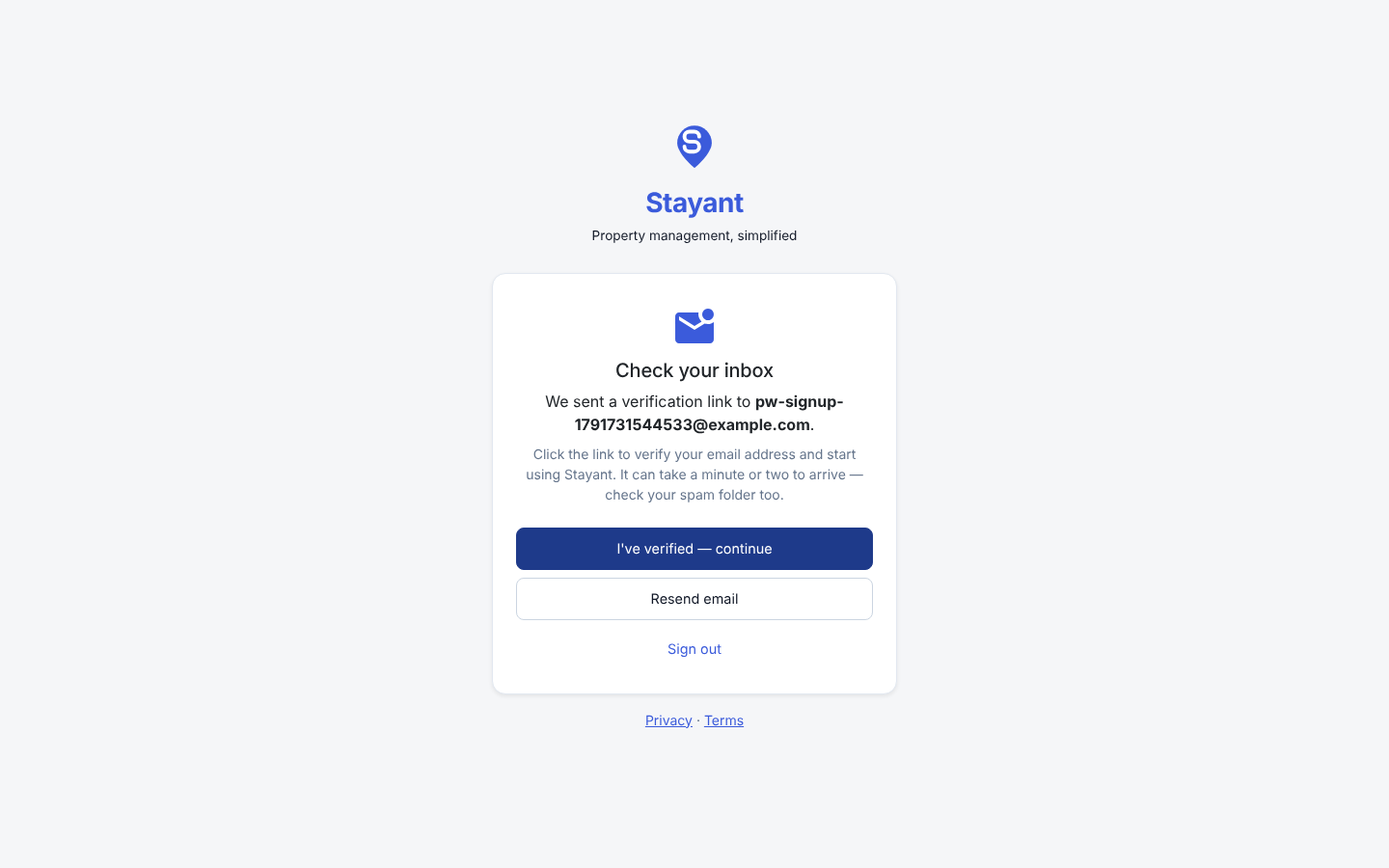
- Open the email from Stayant (subject Verify your Stayant account) and click Confirm email. The link opens Stayant in a new tab and confirms your address.
- Go back to the Check your inbox tab. It notices the change by itself when you return to it, or you can click I've verified — continue. You're taken straight into account setup.
The link is valid for 24 hours.
If the email doesn't arrive
- Check your spam or junk folder. Emails can take a minute or two to arrive.
- Click Resend email on the Check your inbox screen to get a fresh link. Only the newest link works.
- If you signed up with the wrong address, click Sign out and sign up again with the right one.
- Still nothing? Contact Stayant support and we can verify your account for you.
If you sign out before verifying, signing back in sends you a new link and asks you to verify first.
Invited teammates
If a teammate joins by accepting an invitation, they don't need to verify separately. The invitation was sent to their email address, so accepting it confirms the address.