Sharing a link to a record
Whenever you open a booking, property, review, extra, charge type, message template, or user, Stayant updates your browser's web address to point straight at that record. You don't need to do anything special — just open the record the way you normally would, by clicking it in its list.
What changes
Open any record from its list — for example, click a booking in Bookings — and a dialog opens showing the record's details, with the list still visible behind it. At the same time, the web address in your browser's address bar changes from something like /bookings to /bookings/3f9a2c10-8b41-4e7a-9c2d-1a6f0d5e2b77, a unique link to that one booking.
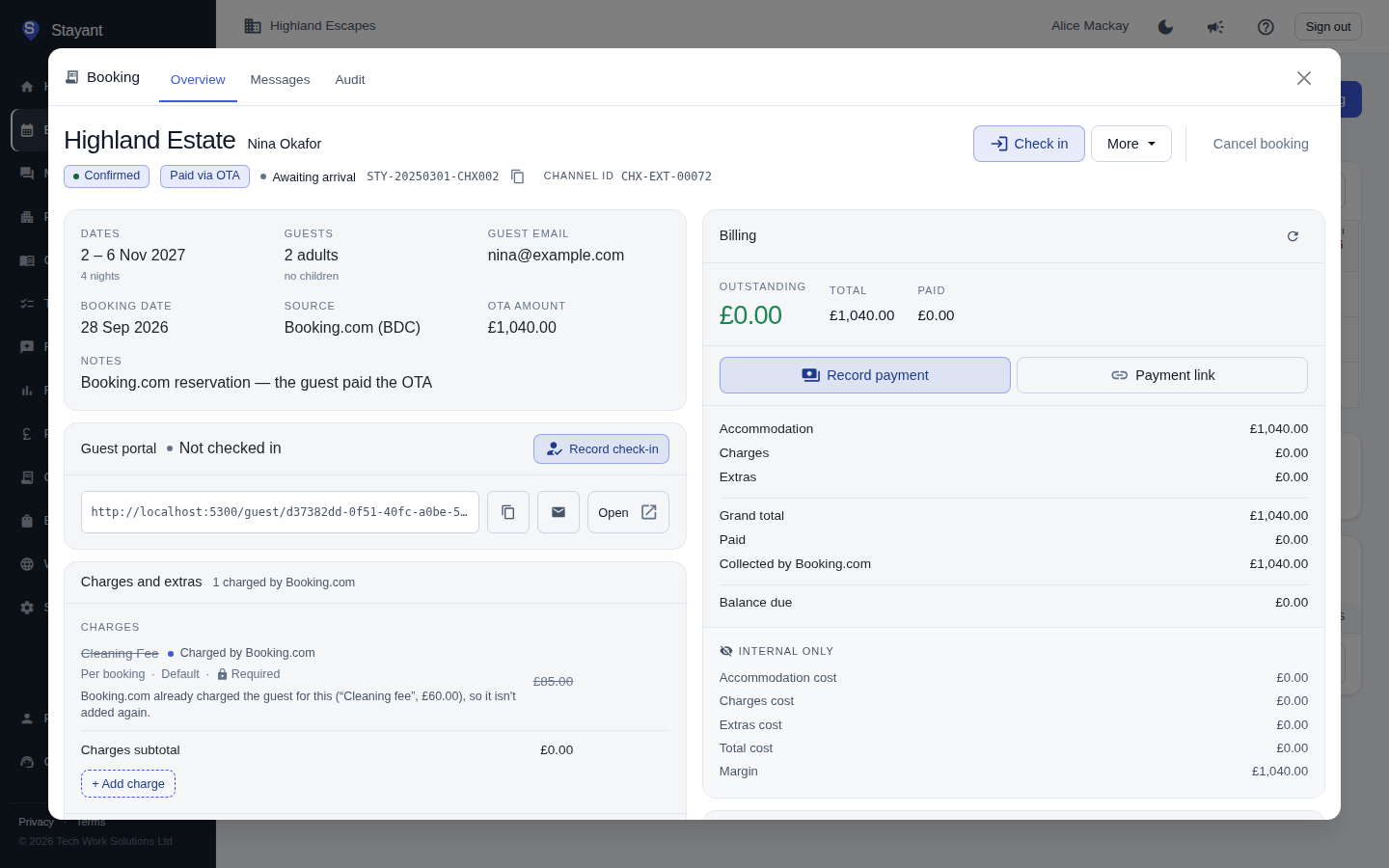
Using the link
Because it's a normal web address, you can:
- Copy it from the address bar and paste it into an email, a chat message, or a note — anyone on your team with access can open it and land straight on that record.
- Bookmark it to jump back to a record you check often.
- Open it directly, in a new tab or by refreshing the page — it takes you straight back to the record, shown in its dialog with the list loaded behind it, exactly as if you'd clicked through from the list yourself.
This works the same way on a phone or tablet.
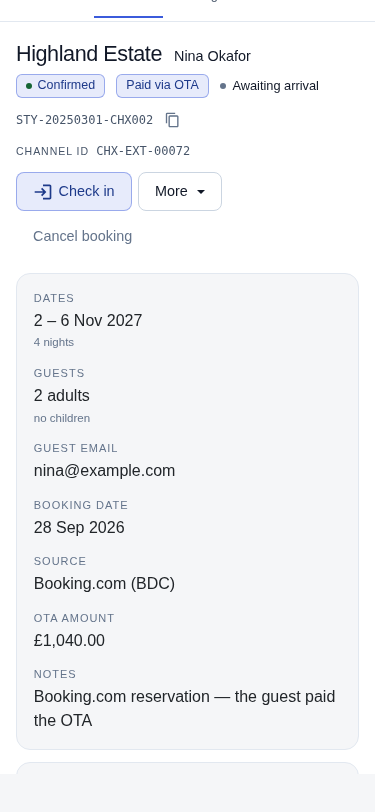
Closing the dialog
Any of the following close the dialog and take you back to the list:
- Click the ✕ in the top-right corner of the dialog.
- Click outside the dialog, on the dimmed background.
- Press Esc.
- Use your browser's Back button.
Where this works
Record links are available for:
- Bookings —
/bookings - Properties —
/properties - Reviews —
/reviews - Extras —
/settings/extras - Charge Types —
/settings/charge-types - Message Templates —
/admin/scheduled-messages(Stayant platform admins only) - Users —
/admin/users(Stayant platform admins only)
Links only work for people with access. A record link only opens the record for someone signed in to your Stayant account who has permission to see it — sharing the link outside your team doesn't expose the record to anyone else.