The Bento grid block
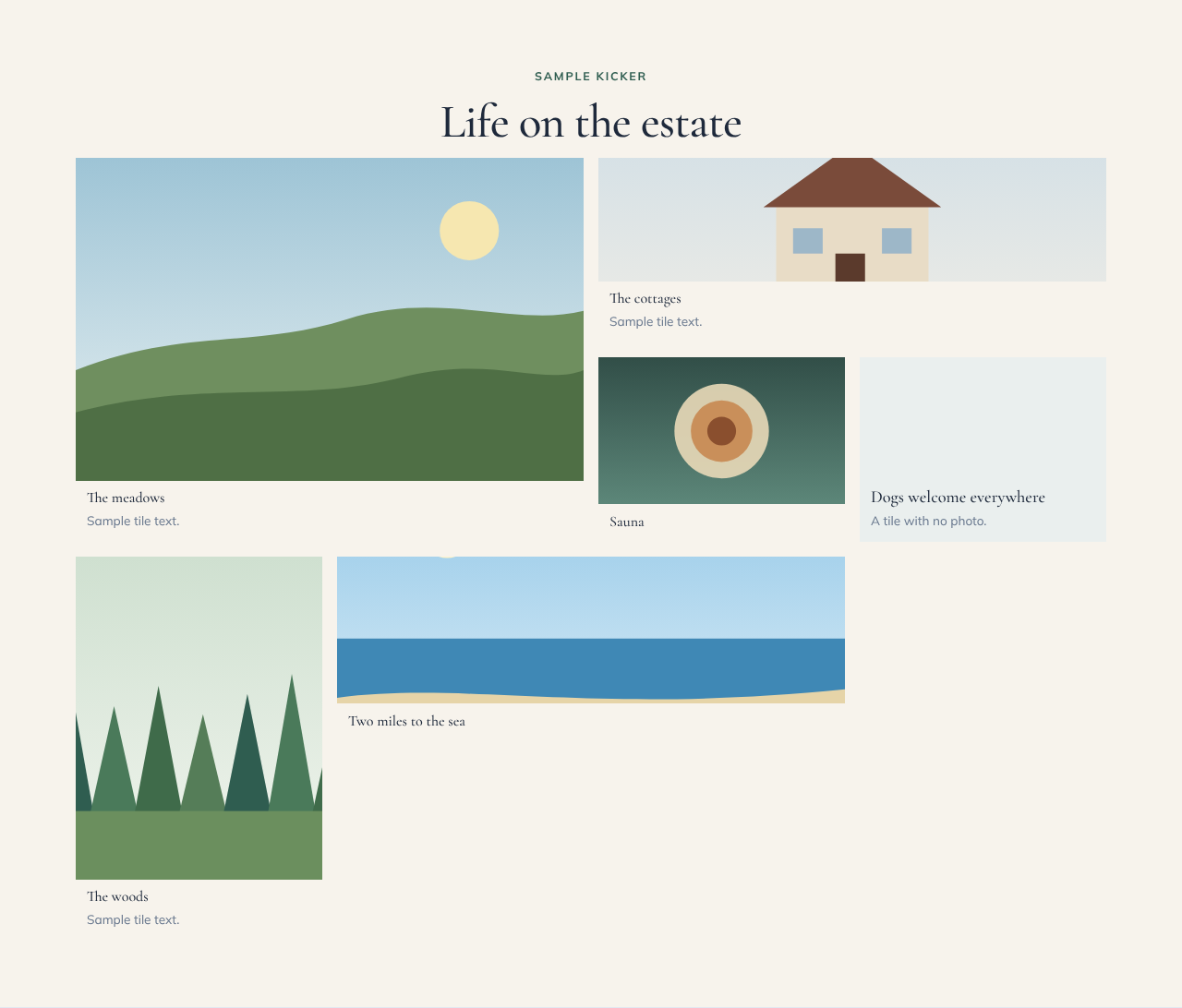
A Bento grid arranges photos as tiles of different sizes, like a magazine spread. It works well for "Life on the estate" or "Around the farm" sections.
Adding one
- In the page editor, click Add Block and choose Bento grid.
- In the Content panel, click + Add tile for each tile (up to 8).
- For each tile, upload a Photo (or paste its address) and describe it in Photo description for guests using screen readers. Add a Title, a line of Text and a Link if you want the tile to open another page.
- Pick a Size for each tile:
| Size | Space it takes |
|---|---|
| Small | One square |
| Wide | Two squares side by side |
| Tall | Two squares stacked |
| Large | A two-by-two block |
One Large or Wide tile with three or four Small ones usually looks best. A tile with a title but no photo shows as a coloured panel. On phones the grid is two tiles across.
Layouts
- Captions: the title and text sit under each photo.
- Overlay: the title and text sit on the photo over a dark fade.