Photo placeholders ("Photo needed")
When the AI builds or edits your site, it chooses photos in this order:
- Your property photos. These are always first.
- Stock photos, for general scenery only, such as a coastline, woodland or a sunset. It never uses stock photos to stand in for your property, your rooms or people.
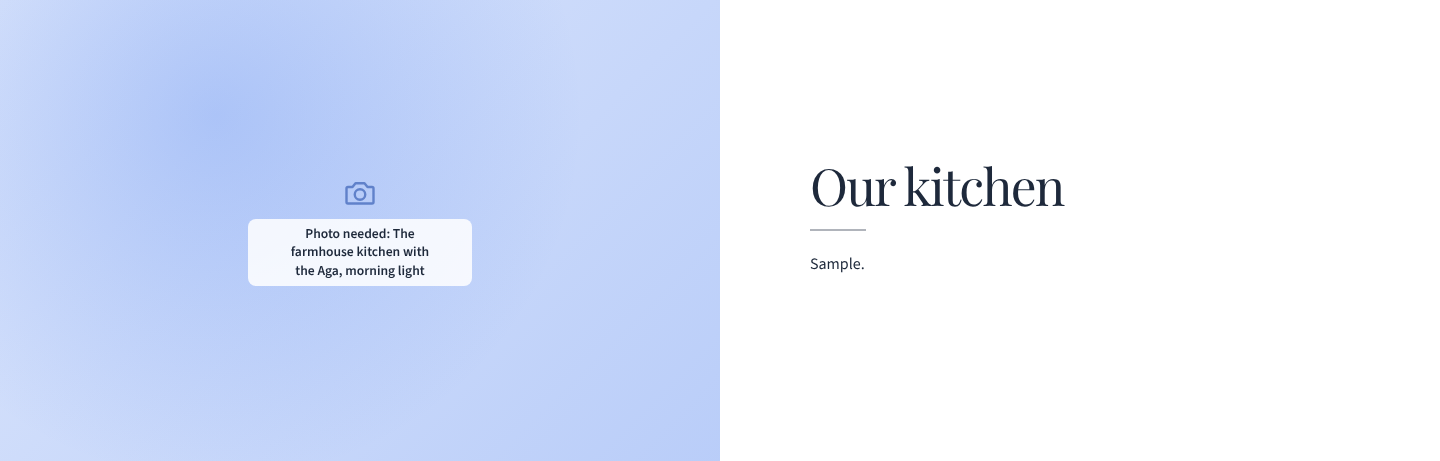
- A photo placeholder. If neither fits, it leaves the spot empty and writes a short note of the photo that belongs there, for example "The farmhouse kitchen with the Aga, morning light".
What guests see
Guests see a soft panel in your brand colour with a small camera mark, never a broken image or empty space. The note itself ("Photo needed: …") shows only to you, in Preview and in the editor.
Finding them
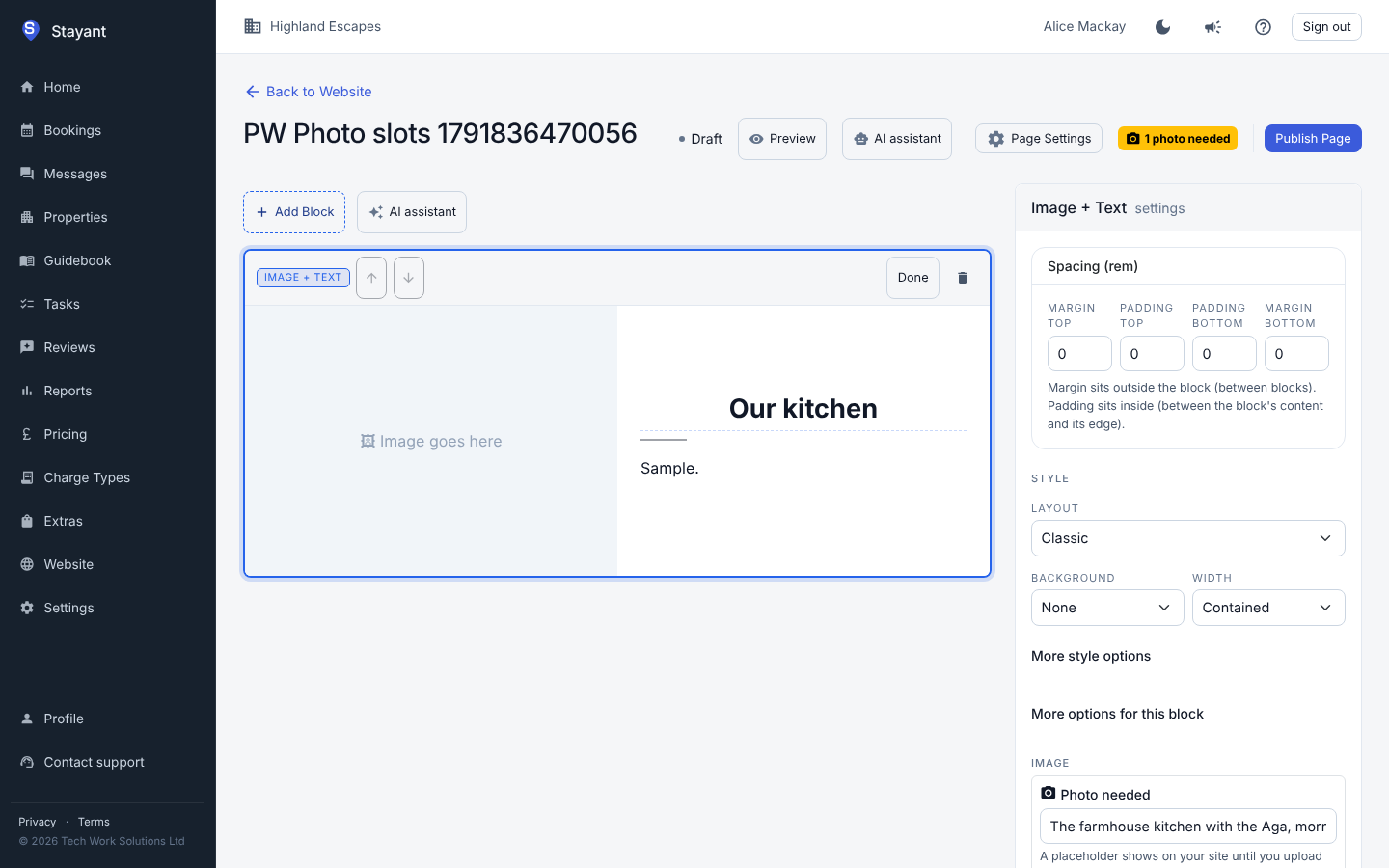
- In the editor, a "N photos needed" badge sits next to Publish Page. Select the block and the note appears above its image upload.
- Before you publish your website, the publish dialog lists how many photos are still needed and on which pages.
Filling one
Select the block, then upload a photo or paste its address in the image field. The placeholder, the note and the badge go away as soon as the photo is in. You can also edit the note, or clear it if you'd rather that spot had no photo.
Placeholders work in Hero, Image + Text and Image blocks, in Image Gallery photos and in Feature List items.