The Property spotlight block
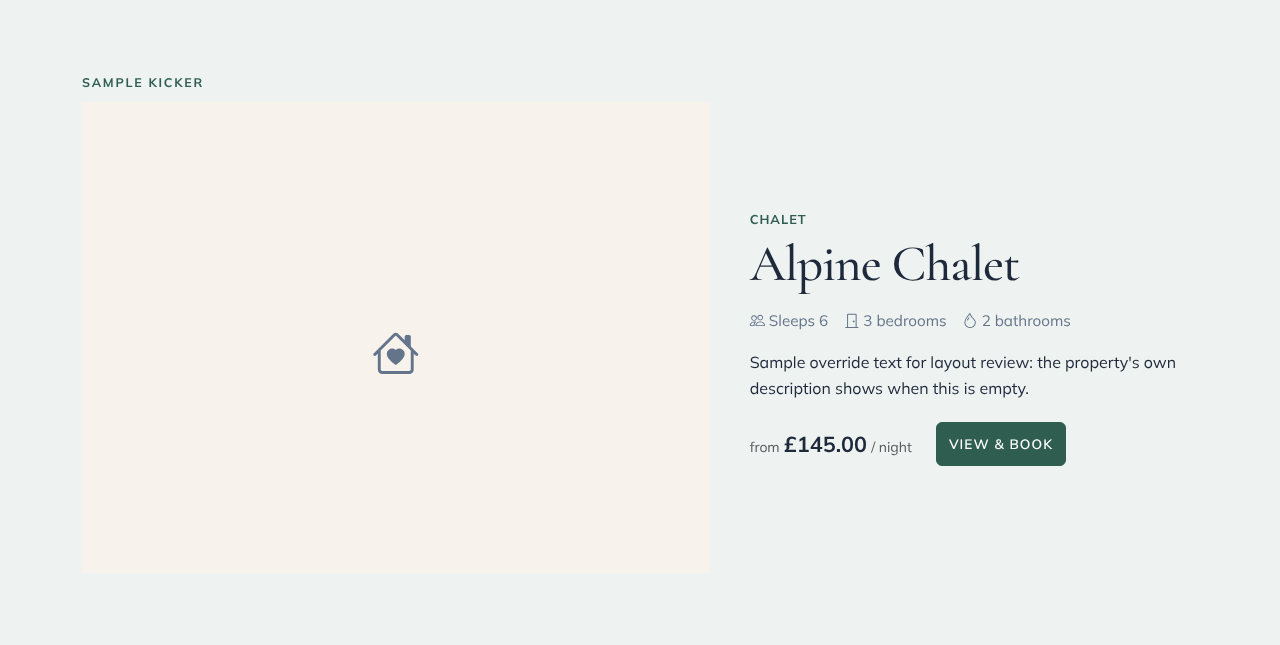
A Property spotlight gives one property the whole width of the page: its photos (guests can swipe through up to five), its type, how many it sleeps, its bedrooms and bathrooms, the starting nightly price and a button to its booking page.
Adding one
- In the page editor, click Add Block and choose Property spotlight.
- In the Content panel, choose the Property.
- Optionally set a Title and Text. If you leave them empty, the property's own name and the start of its description are used.
- Change the Button text if you like ("View & book" by default).
- Show “from £X / night” shows the lowest nightly price from your pricing. Show Dogs welcome / Accessible adds those badges only when your property's amenities say so.
Photos, sleeps and price are read live from the property, so the block stays up to date when you change them. The editor shows a placeholder; use Preview to see the real thing.
Layouts
| Layout | What it looks like |
|---|---|
| Split | Photos on one side, details on the other |
| Feature | A large photo with the details panel overlapping it on wider screens |
| Compact | One horizontal card |
If the property is removed, the block shows nothing on your live site.