The Stats strip block
A Stats strip shows three or four big numbers with a short label under each, for example 45 acres of meadow, 15 cottages and 2 miles to the coast. It is a quick way to give guests a sense of scale.
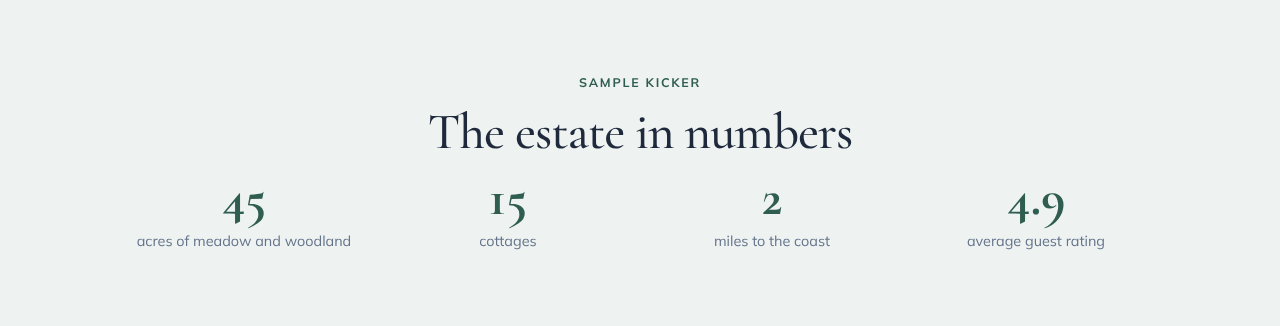
Adding one
- Open Website, then Edit Blocks on the page you want.
- Click Add Block and choose Stats strip.
- In the Content panel on the right, add a Title if you want one, then click + Add stat for each number (up to 6).
- For each stat, fill in the Number (keep it short, such as
45or4.9) and a Label. The Icon is optional: type an amenity name such aswalkingorsauna. - Use the arrows to reorder stats and the bin to remove one. Changes save automatically.
Only use numbers you can stand behind. A stat with no number is not shown.
Layouts
Choose a layout under Style → Layout:
| Layout | What it looks like |
|---|---|
| Row | Big numbers with small labels in one row |
| Cards | Each stat in its own card |
| Band | The numbers on your brand colour, a good way to break up a long page |
On phones the stats show two to a row.