The Things to do block
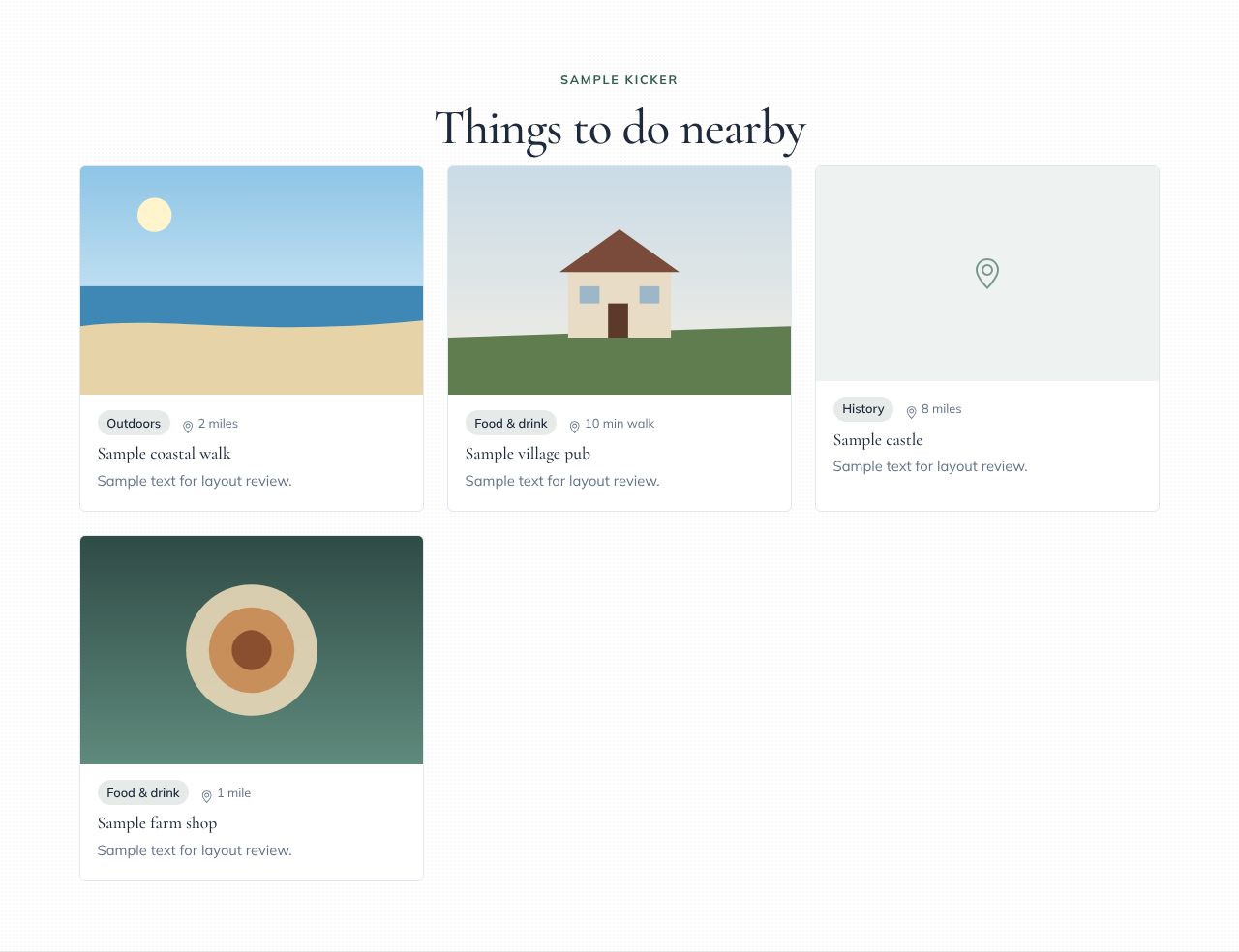
Things to do helps guests picture their stay by listing what's nearby: walks, pubs, beaches, castles and farm shops. Each place gets a card with an optional photo, a category and a distance.
Adding one
- In the page editor, click Add Block and choose Things to do.
- In the Content panel, click + Add place for each one (up to 12).
- Fill in the Name and a Short description. Then add a Photo, a Category (such as Outdoors or Food & drink), a Distance (such as 2 miles or 10 min walk) and a Link to the place's own website if you like. Links to other websites open in a new tab.
A place with no photo shows a map-pin icon instead.
Layouts
| Layout | What it looks like |
|---|---|
| Cards | A grid of cards: one across on phones, three on wide screens |
| List | One place per row with a small photo |
| Carousel | One row that guests swipe or scroll sideways |