Channex rate plans
When a property is connected through Channex, each of your Stayant rate plans is provisioned as a rate plan on the channel side so the right price and conditions reach each OTA. This article explains where rate plans are managed and what you can do yourself.
Where rate plans live
Your rate plans are created and edited in Stayant on each room — see the rooms and rate-plan articles under Properties. Channex distributes those plans to the OTAs; it doesn't replace them. The price each plan publishes per channel can be tuned with channel markups (see Channel price markups).
Every rate plan publishes its own price. A sync pushes prices and availability for all of a room's rate plans — the Standard plan and any additional plans (e.g. Non-Refundable) — each under its own price. A plan that adjusts the Standard rate by a percentage, or sets a fixed price, publishes that adjusted price, not the Standard one.
Renaming a plan keeps the OTA in sync. When you rename a rate plan that's already provisioned on Channex — including the Standard plan — the new name is pushed to Channex so the OTA-facing title updates automatically. There's nothing extra to do; the change syncs in the background on the next dispatch.
What you can do from the Channels page
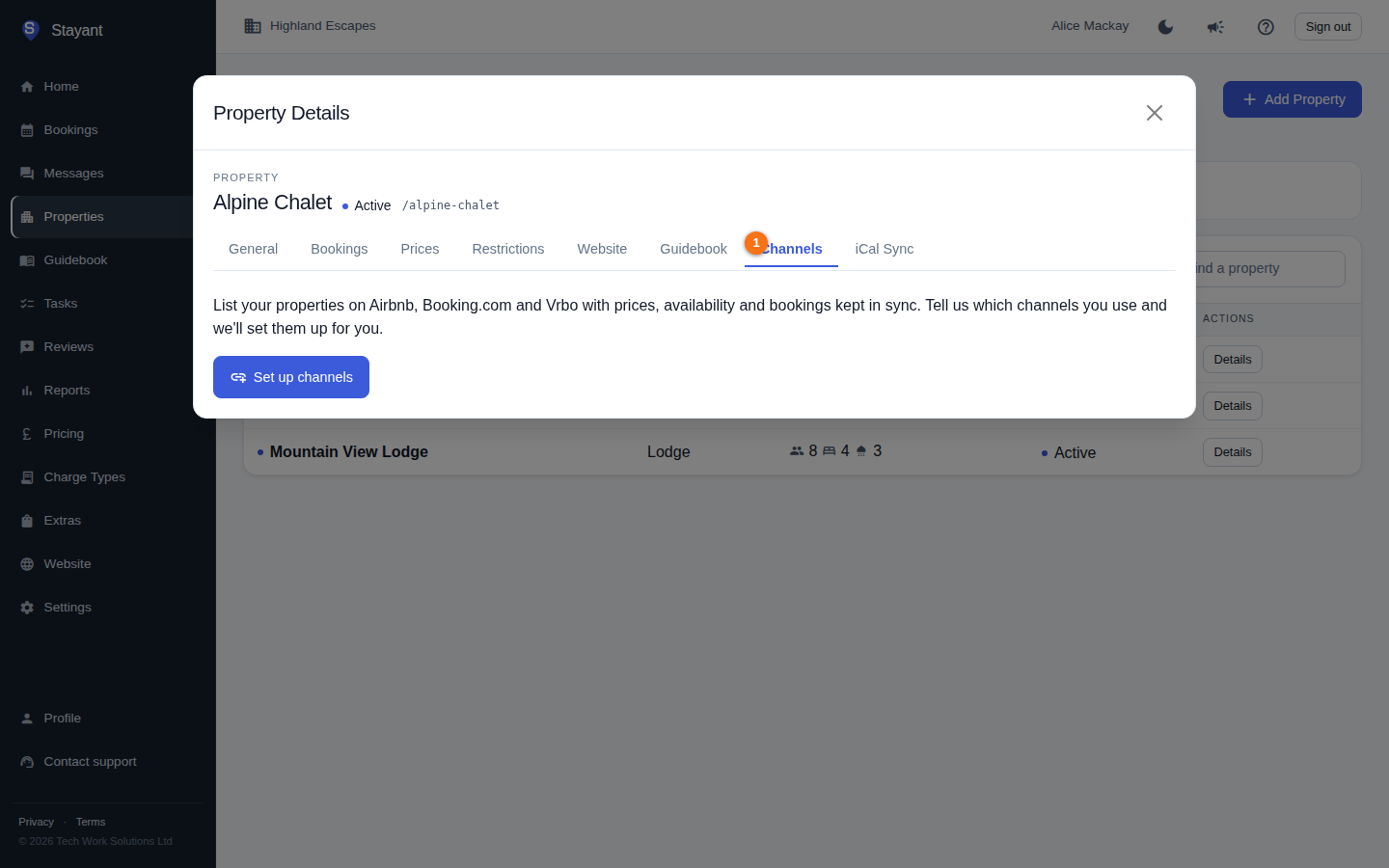
On a property's Channels tab (or the /channels page), a connected property shows its Connected channels list. From there you can connect an OTA with Connect a channel, which includes a Rate plans step for choosing the OTA room and rate each of your rate plans sells as, and change those choices later with Edit mappings on the channel's card — see Connecting OTAs via Channex. If you need a channel the wizard doesn't cover yet, contact support and we'll set it up for you.
What's handled by Stayant (admin only)
The deeper Channex setup is not exposed on the tenant-facing Channels page. The following are performed by Stayant administrators, not from your account:
- Linking a Stayant property to its Channex counterpart.
- Provisioning room types and rate plans on Channex, and re-provisioning any that are still pending.
- Mapping rate plans to Channex rate-plan IDs.
- Triggering availability, rate, and inventory (ARI) syncs and the overnight refresh.
If a rate plan isn't appearing on a channel, or shows as pending or unprovisioned, this is resolved on the administrative side — contact your system administrator or Stayant support rather than expecting a control for it on the Channels page.
If something looks wrong
- A rate plan missing from a channel is often just unmapped: check the channel's card (a Partially mapped badge) and use Edit mappings. If the rate plan can't be picked at all, it hasn't been provisioned yet on Channex — ask Stayant to provision or re-provision it.
- A price that looks off for one channel is most often the OTA's own commission or markup settings on the Channex side, or the rate plan's own price adjustment. Stayant channel markups only reach Channex once OTA pricing publishing has been switched on for your account — see OTA rate and charge markups.
- If the property shows Not Connected, no rate plans will distribute until it's linked; see Connecting OTAs via Channex.