The Amenities strip block
An Amenities strip lists what guests get, each with a matching icon: a wood-fired sauna, hot tubs, fast wifi, dogs welcome and so on.
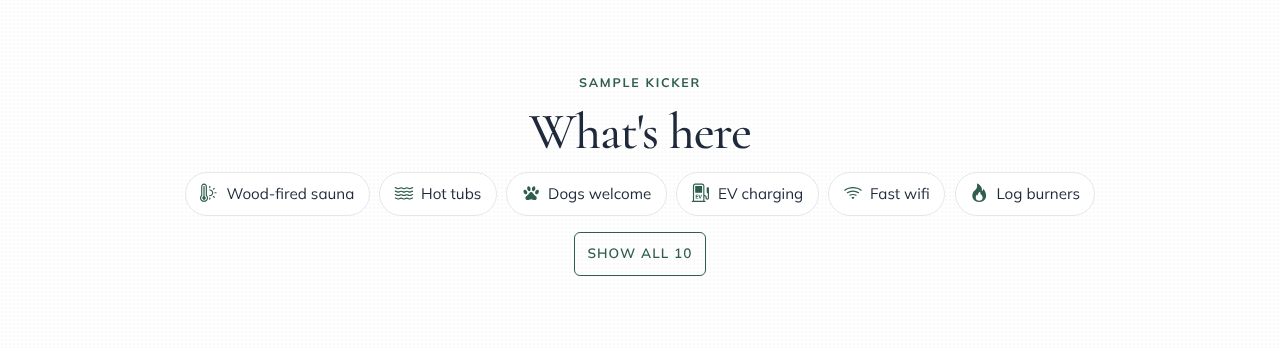
Adding one
- In the page editor, click Add Block and choose Amenities strip.
- In the Content panel, click + Add amenity for each item (up to 24).
- For each one, type an Icon name and a Label. The icon box suggests names as you type.
Common ones are
sauna,hot-tub,pool,dogs,ev-charging,wifi,parking,log-burner,bbq,walking,beach,garden,familyandaccessible. The full list is in Block styles. If you leave the icon empty, a tick is shown. - To keep a long list tidy, set Show this many before “Show all”. Guests can tap Show all to see the rest. Leave it at 0 to show everything.
Layouts
| Layout | What it looks like |
|---|---|
| Row | Rounded chips that wrap onto new lines |
| Grid | Icon tiles, two across on phones and four on wider screens |
| Checklist | A tidy two-column list |